
If you want to check SBI cheque status online, there are several easy methods available.
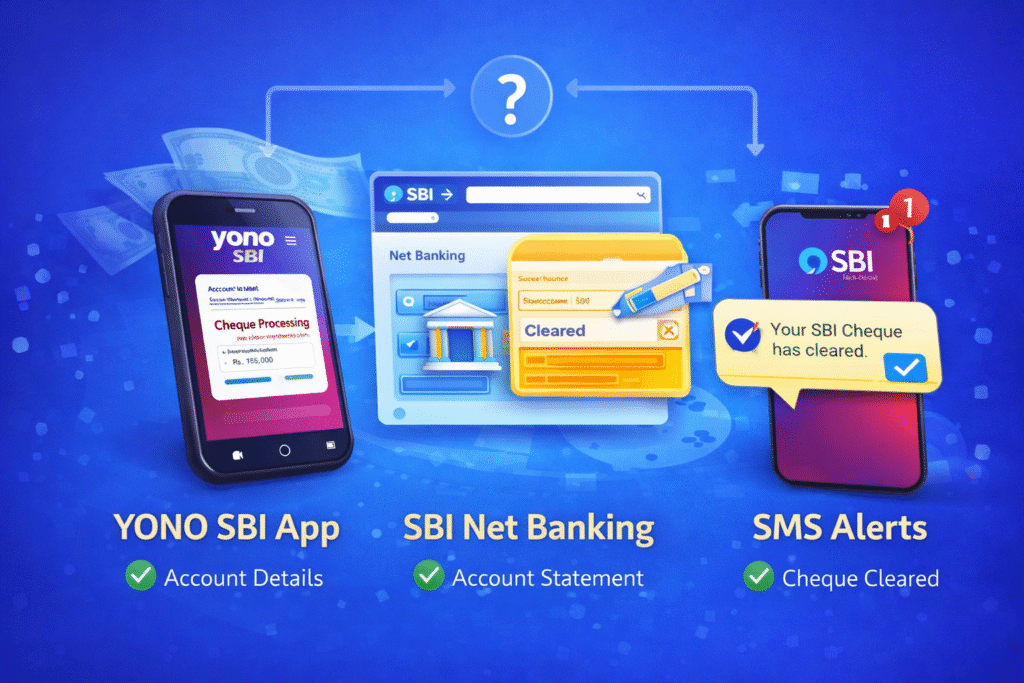
You can track the cheque clearance using YONO SBI app, SBI net banking, or SMS alerts.
In this guide, we explain step-by-step how to check SBI cheque status online quickly.
Method 1: Using YONO SBI App
Login to YONO SBI app → Navigate to account details → View cheque status under transactions.
Method 2: SBI Net Banking
Login to SBI Online → Go to account statement → Check clearing transaction status.
Method 3: SMS Alerts
SBI sends SMS alerts once cheque is cleared or returned.
What Different Status Messages Mean
– Cleared
– Returned
– Under Process
– On Hold
Full clearing timeline explained here: https://gobankings.com/cheque-clearance-time-in-sbi/
You can also see cash deposit charges in icici bank https://gobankings.com/cash-deposit-charges-in-icici-bank/
Pingback: Cheque Clearance Time in SBI - gobankings.com